
Adding your Credit Card
While waiting for your shipment to arrive, you must add a credit card to your account.
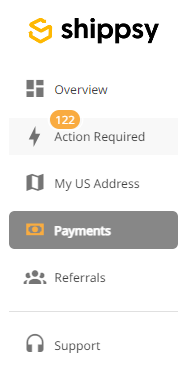
To do this, log in to your account and click “Payments”.
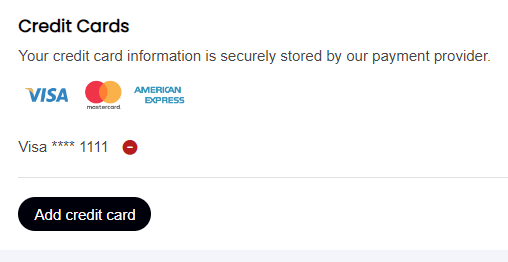
From here, you’ll have to click on “ADD CARD” and key in your credit card information. You can use a VISA, Mastercard, or American Express. You will also have the option to use multiple credit cards.
Once this is done, all you have to do is wait for your order to arrive.